Litematica Viewer
Drop it in
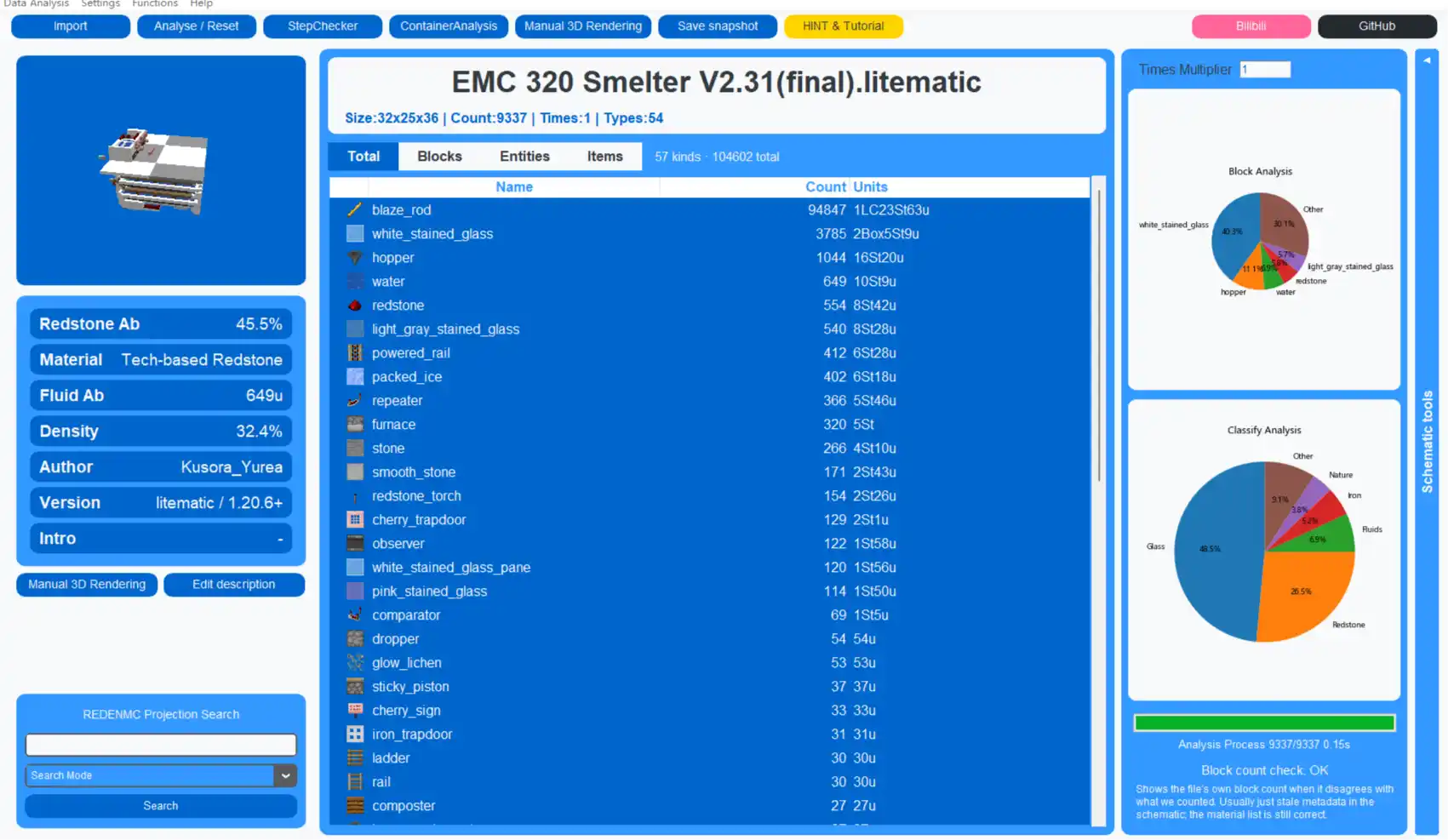
Drop a schematic and the web viewer opens with its material list, stats and 3D view — right in your browser.
One schematic, one list
Import a schematic and every block, entity and item in its containers gets counted and converted into Boxes / Stacks / units — ready to gather.
A small mansion needs…
0 blocks
92 kinds · the grass alone is
What it does
 Material list
Total / Blocks / Entities / Items tabs; right-click a row to ignore or quick-replace it
 3D preview
Drag to rotate and scroll to zoom the thumbnail; open the web 3D renderer for a closer look
 Container analysis
What's inside every chest, shulker box and hopper, slot by slot
 Step checker
Layer by layer, with textures, facing and upper/lower halves
 Redstone ratio
Seven stats tell a building from a machine
 Replace & generate
Batch-replace blocks with properties, or generate solid / hollow boxes
Files
.litematicLitematica, with sub-regions.nbtJava structure block.mcstructureBedrock, names converted to Java→ WorldExport a void world, drop it in saves
The three formats convert into each other
简体中文 · 繁體中文 · English
Pick a language the first time you open it; switch anytime under Help → Language.
How many blocks is your biggest schematic?
Tell us in the Bilibili comments — and what you want in the next version.
Comment on Bilibili